
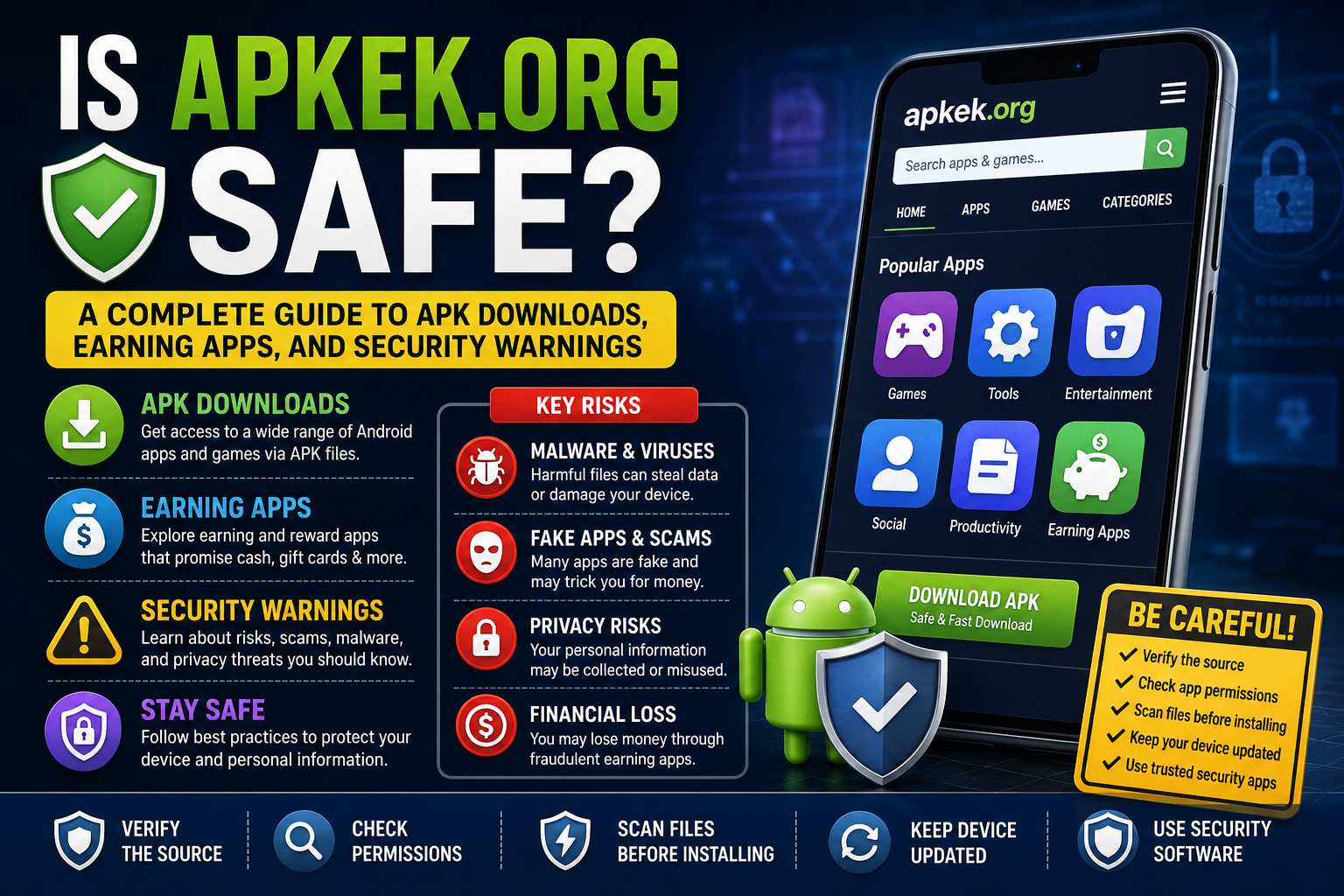
Is Apkek.org Safe?
Introduction
The Android ecosystem offers users tremendous flexibility when it comes to downloading and installing applications. Unlike some other mobile operating systems, Android allows users to install apps from sources outside official app stores through APK files. This freedom has led to the rise of numerous APK download platforms, including Apkek.org. As more people search for alternative app sources and opportunities to discover earning applications, questions about safety, legitimacy, and security naturally arise.
One of the most common questions users ask is: “Is Apkek.org safe?” This concern is understandable because downloading applications from third-party websites can expose users to various risks, including malware, data theft, privacy concerns, and fraudulent applications.
This comprehensive guide explores Apkek.org, discusses APK downloads, examines earning apps commonly associated with such platforms, highlights security concerns, and provides practical recommendations for protecting your device and personal information.
Understanding APK Files
Before discussing Apkek.org specifically, it is important to understand what APK files are.
APK stands for Android Package Kit. It is the file format Android devices use to distribute and install applications. When users download apps from the Google Play Store, APK files are automatically downloaded and installed behind the scenes.
However, users can also manually download APK files from third-party websites and install them directly on their devices. This process is commonly known as sideloading.
There are several reasons why users choose APK downloads:
- Accessing apps unavailable in their region
- Installing older app versions
- Testing beta releases
- Downloading apps removed from official stores
- Accessing applications unavailable through Google Play
While these advantages can be appealing, they also introduce security risks if users download files from unreliable sources.
What Is Apkek.org?
Apkek.org is a website that appears to provide APK-related content, application downloads, and information about various mobile applications, including earning apps and utility applications.
Many users discover such platforms while searching for:
- APK download links
- Modified applications
- Reward apps
- Mobile earning opportunities
- Gaming applications
- Productivity tools
Like many APK-focused websites, Apkek.org may serve as a directory or resource for Android users looking beyond official marketplaces.
However, the mere existence of APK downloads on a website does not automatically guarantee safety or legitimacy. Users should always conduct careful evaluations before downloading any file.
Also read:- Overstimulated Meaning
Is Apkek.org Safe?
The short answer is that users should exercise caution.
No third-party APK website can be considered completely risk-free unless every file undergoes extensive verification and security screening.
Several factors determine whether Apkek.org is safe:
Website Reputation
The reputation of a website plays an important role in assessing trustworthiness.
Before downloading files from Apkek.org, users should check:
- Online reviews
- Community discussions
- Security reports
- Website age
- User feedback
If a website has a long history of positive reviews and transparent practices, it generally inspires more confidence.
File Verification
A major concern with APK websites is whether uploaded files are genuine.
Questions to consider include:
- Are files digitally signed?
- Are applications modified?
- Are downloads scanned for malware?
- Does the website disclose file sources?
Without clear verification procedures, users cannot easily confirm the authenticity of downloaded applications.
Privacy Practices
Users should examine whether Apkek.org provides:
- A privacy policy
- Terms of service
- Contact information
- Data collection disclosures
Websites lacking transparency should be approached carefully.
Security Measures
A trustworthy platform typically uses:
- HTTPS encryption
- Secure download links
- Malware scanning
- Regular maintenance
Users should verify that the site operates over a secure connection before interacting with downloads.
Potential Risks of APK Downloads
Regardless of the source, downloading APK files introduces risks that users should understand.
Malware Infections
One of the biggest dangers is malware.
Malicious APK files can contain:
- Trojans
- Spyware
- Ransomware
- Adware
- Keyloggers
Once installed, these threats may compromise device security and personal information.
Data Theft
Some applications request excessive permissions.
Malicious apps may gain access to:
- Contacts
- Messages
- Photos
- Location data
- Banking information
Users should carefully review permission requests before installation.
Fake Applications
Cybercriminals frequently create fake versions of popular applications.
These counterfeit apps may appear legitimate while secretly collecting user data or displaying aggressive advertisements.
Financial Fraud
Certain earning apps promise unrealistic rewards to attract users.
Fraudulent apps may:
- Never pay users
- Request upfront fees
- Collect personal information
- Promote scams
Users should be skeptical of applications making extraordinary income claims.
Device Performance Issues
Poorly developed or modified APKs can cause:
- Battery drain
- System crashes
- Performance degradation
- Storage problems
Installing unverified apps can negatively impact overall device performance.
Also read:- 25 Mindfulness Exercises to Reduce Stress
Understanding Earning Apps
Many APK websites feature earning applications that claim users can generate income through various activities.
Common earning app categories include:
Survey Applications
These apps reward users for completing surveys.
Compensation typically depends on:
- Survey length
- User demographics
- Survey availability
Legitimate survey apps generally provide modest earnings rather than substantial income.
Cashback Apps
Cashback applications offer rewards for purchases made through partner retailers.
Users earn small percentages of their spending back as rewards.
Gaming Reward Apps
Some platforms pay users to:
- Play games
- Complete levels
- Watch advertisements
- Participate in promotions
While some are legitimate, earnings are usually limited.
Referral Programs
Many earning apps rely heavily on referrals.
Users earn bonuses when they invite friends to join the platform.
Task-Based Platforms
These applications compensate users for completing small online tasks such as:
- Watching videos
- Testing apps
- Reviewing products
- Completing offers
The legitimacy of these platforms varies significantly.
Also read:- 175 Funny Questions to Ask
Warning Signs to Watch For
When evaluating Apkek.org or any APK download platform, users should watch for warning signs.
Unrealistic Income Promises
If an earning app claims users can make hundreds or thousands of dollars quickly with minimal effort, skepticism is warranted.
Legitimate earning platforms generally provide realistic expectations.
Excessive Permissions
Applications requesting unrelated permissions should raise concerns.
For example:
- A calculator app requesting contacts access
- A wallpaper app requesting SMS permissions
- A simple game requesting banking information
These requests may indicate malicious intent.
Lack of Developer Information
Trustworthy applications typically provide:
- Developer details
- Contact information
- Support resources
- Privacy policies
Anonymous developers increase uncertainty.
Forced Downloads
Users should avoid websites that:
- Automatically initiate downloads
- Open multiple popups
- Redirect unexpectedly
- Display aggressive advertising
These behaviors may indicate low-quality or risky platforms.
Poor Website Design
While design alone does not determine legitimacy, websites containing numerous errors, broken pages, and misleading advertisements deserve additional scrutiny.
How to Verify APK Safety
Users can take several steps to improve safety before installing APK files.
Use Virus Scanners
Upload APK files to reputable malware scanning services.
These services check files against multiple security engines and can identify known threats.
Check Permissions
Review all requested permissions carefully.
Ask whether each permission is necessary for the app’s functionality.
Research the Application
Search for:
- User reviews
- Security discussions
- Community feedback
- Professional reviews
A little research can prevent significant problems.
Verify Developer Information
Confirm that the application comes from a legitimate developer.
Official developer websites and social media channels can help verify authenticity.
Compare with Official Versions
If the app exists on Google Play, compare:
- File size
- Version number
- Permissions
- Developer name
Major discrepancies may indicate tampering.
Also read:- ENFP Personality
Google Play Store vs APK Websites
Many users wonder whether they should simply use the Google Play Store instead.
The Play Store offers several advantages:
Automated Security Screening
Google uses Play Protect to scan applications for malicious behavior.
Developer Verification
Developers must comply with Google’s policies.
Easier Updates
Applications update automatically through official channels.
Better User Reviews
The Play Store provides extensive user feedback and ratings.
However, APK websites can still serve legitimate purposes when:
- Apps are unavailable regionally
- Older versions are required
- Beta testing is needed
- Official downloads are inaccessible
The key is exercising caution.
Privacy Considerations
Privacy should remain a priority when downloading any application.
Users should understand what information apps collect and how that information is used.
Potentially collected data may include:
- Email addresses
- Phone numbers
- Device identifiers
- Location data
- Usage patterns
Before installing an app, users should review available privacy policies and determine whether data collection practices seem reasonable.
Safe APK Download Practices
If users decide to download APK files, several best practices can reduce risk.
Download Only What You Need
Avoid downloading unnecessary applications.
Each installed app introduces potential security risks.
Keep Devices Updated
Operating system updates often contain important security patches.
Running outdated software increases vulnerability.
Use Security Software
Reliable antivirus software can help detect threats before they cause damage.
Backup Important Data
Regular backups protect users from data loss caused by malware or device issues.
Monitor App Behavior
After installation, pay attention to:
- Battery usage
- Data consumption
- Performance changes
- Unexpected permissions
Unusual behavior may indicate problems.
Also read:- JJMR Site
Are Earning Apps Worth It?
Many users visit platforms like Apkek.org searching for earning opportunities.
The reality is that most earning apps provide limited income.
Users should view these applications as supplemental reward opportunities rather than primary income sources.
Legitimate earning apps may provide:
- Gift cards
- Cashback rewards
- Small cash payments
- Promotional bonuses
However, users should be cautious of platforms promising life-changing earnings.
If an offer appears too good to be true, it usually is.
Common Misconceptions About APK Downloads
Several myths surround APK downloads.
Myth 1: All APK Websites Are Dangerous
Not every APK website is malicious.
Some platforms carefully verify files and maintain strong security standards.
Myth 2: APK Files Are Always Unsafe
APK files themselves are not inherently dangerous.
Risk depends on file authenticity and source reliability.
Myth 3: Antivirus Software Provides Complete Protection
Security tools help reduce risk but cannot guarantee complete protection.
User vigilance remains essential.
Myth 4: Earning Apps Generate Easy Wealth
Most earning apps offer small rewards rather than substantial income.
Users should maintain realistic expectations.
Also read:- Essential Editing Tips from AaryaEditz Org
Final Verdict on Apkek.org
When evaluating whether Apkek.org is safe, the most responsible conclusion is that users should proceed carefully and perform independent verification before downloading any files.
Like many APK-focused websites, Apkek.org may provide useful resources and access to applications that are unavailable elsewhere. However, users should not assume that every file is automatically safe simply because it appears on the platform.
The safest approach includes:
- Researching the website’s reputation
- Verifying files with security scanners
- Reviewing permissions carefully
- Avoiding unrealistic earning app claims
- Using trusted security software
- Keeping devices updated
APK downloads can be valuable tools for Android users, but they also introduce risks that should never be ignored.
Ultimately, security depends not only on the platform but also on the decisions users make before downloading and installing applications. By following safe browsing and downloading practices, users can significantly reduce their exposure to malware, scams, privacy issues, and financial fraud.
Conclusion
The question “Is Apkek.org safe?” does not have a simple yes-or-no answer. The safety of any APK website depends on multiple factors, including file verification procedures, website reputation, user behavior, and ongoing security practices.
Users interested in APK downloads and earning apps should prioritize security over convenience. Taking a few extra minutes to research applications, verify files, and understand potential risks can prevent serious problems later.
Whether using Apkek.org or any other APK platform, informed decision-making remains the most effective defense against malware, scams, and privacy threats. Android’s flexibility offers tremendous opportunities, but responsible usage is essential for maintaining device security and protecting personal information.
Frequently Asked Questions (FAQs)
1. What is Apkek.org?
Apkek.org is a website that provides information about Android applications, APK downloads, and various mobile apps, including some earning and utility apps. Users often visit the platform to explore apps that may not be readily available through official app stores.
2. Is Apkek.org safe to use?
The safety of Apkek.org depends on the specific files being downloaded and the security measures taken by users. It is always recommended to scan APK files, verify app permissions, and research applications before installation.
3. What is an APK file?
An APK (Android Package Kit) is the installation file format used by Android devices. It allows users to manually install applications without downloading them directly from the Google Play Store.
4. Why do people download APK files?
People download APK files for several reasons, including accessing apps unavailable in their region, installing older app versions, testing beta releases, or obtaining apps that are not listed on official stores.
5. Can APK files contain malware?
Yes. APK files downloaded from unverified sources can potentially contain malware, spyware, adware, or other malicious software. This is why users should always verify files before installation.
6. How can I check if an APK file is safe?
You can improve safety by scanning the APK with antivirus software, checking user reviews, researching the developer, and reviewing the permissions requested by the application.
7. Does Apkek.org offer earning apps?
Some users visit Apkek.org looking for information about earning apps. These apps may include survey platforms, cashback apps, gaming reward apps, and referral-based applications.
8. Are earning apps legitimate?
Some earning apps are legitimate and provide small rewards or cashback opportunities. However, users should be cautious of apps promising unrealistic earnings or requiring upfront payments.
9. What permissions should raise red flags?
Permissions that seem unrelated to the app’s purpose can be concerning. For example, a flashlight app requesting access to contacts, SMS messages, or call logs may indicate potential privacy risks.
10. Is downloading APKs legal?
In most cases, downloading APK files is legal. However, distributing copyrighted, modified, or unauthorized applications may violate intellectual property laws or platform policies.
11. Should I use the Google Play Store instead?
The Google Play Store is generally the safest option because Google scans apps for security threats and enforces developer policies. APK downloads should only be considered when necessary and from trusted sources.
12. Can APK downloads affect my device’s performance?
Yes. Poorly optimized or malicious APK files can cause battery drain, increased data usage, app crashes, slower performance, and other device issues.
13. What should I do if I accidentally install a suspicious APK?
Immediately uninstall the app, run a security scan, revoke unnecessary permissions, change important passwords, and monitor your device for unusual behavior.
14. Can APK files steal personal information?
Malicious APKs may attempt to access personal data such as contacts, photos, location information, login credentials, or financial details if users grant excessive permissions.
15. How can I stay safe when downloading APK files?
To stay safe:
- Download only from trusted sources.
- Scan files before installation.
- Check app permissions carefully.
- Keep your Android device updated.
- Use reliable antivirus software.
- Avoid apps that promise unrealistic rewards or earnings.
16. Is Apkek.org suitable for beginners?
Beginners should be especially cautious when downloading APK files from any third-party website. Understanding Android security practices and verifying downloads are essential before installing apps from external sources.
17. Are all APK websites dangerous?
No. Some APK websites maintain strong security standards and verify files. However, users should never assume a website is completely safe without conducting their own research.
18. What is the biggest risk of using third-party APK websites?
The biggest risks include malware infections, privacy breaches, fake applications, financial scams, and unauthorized access to personal information.
19. Can I update apps installed through APK files?
Yes, but updates usually must be downloaded and installed manually unless the app includes its own update mechanism.
20. What is the final verdict on Apkek.org?
Apkek.org may provide access to useful APK resources, but users should exercise caution, verify downloads, review permissions, and prioritize security before installing any application from the platform.
Author bio:
Hello, I am a professional SEO Expert & Write for us Technology and submit a guest posts on different platforms- we provide a good opportunity for content writers to submit guest posts on our website. We frequently highlight and tend to showcase guests.